UI Walkthrough
Overview
The Colony UI at colony.konstruct.io provides a web-based interface for managing your bare metal infrastructure and Kubernetes clusters.
Dashboard
After logging in, the dashboard shows:
- Datacenters: Your registered datacenters
- Quick Stats: Assets, clusters, workflows
- Recent Activity: Latest operations and events
Navigation
Sidebar Menu
- Dashboard: Overview and quick access
- Assets: Hardware inventory and provisioning
- Clusters: Kubernetes cluster management
- Workflows: Provisioning job status and logs
- API Keys: Authentication credential management
- Settings: Account and datacenter configuration
Assets View
Asset List
Shows all discovered assets with:
- Hostname or hardware ID
- Status (discovering, available, provisioned)
- IP address
- Hardware specs (CPU, RAM, disk)
- Actions (provision, wipe, details)
Asset Details
Click an asset to view:
- Full hardware inventory
- Network configuration
- IPMI connection status
- Provisioning history
- Current status and logs
Asset Actions
- Apply Template: Provision Ubuntu or other OS
- Wipe Disk: Return asset to available status
- View Logs: See provisioning or operation logs
Clusters View
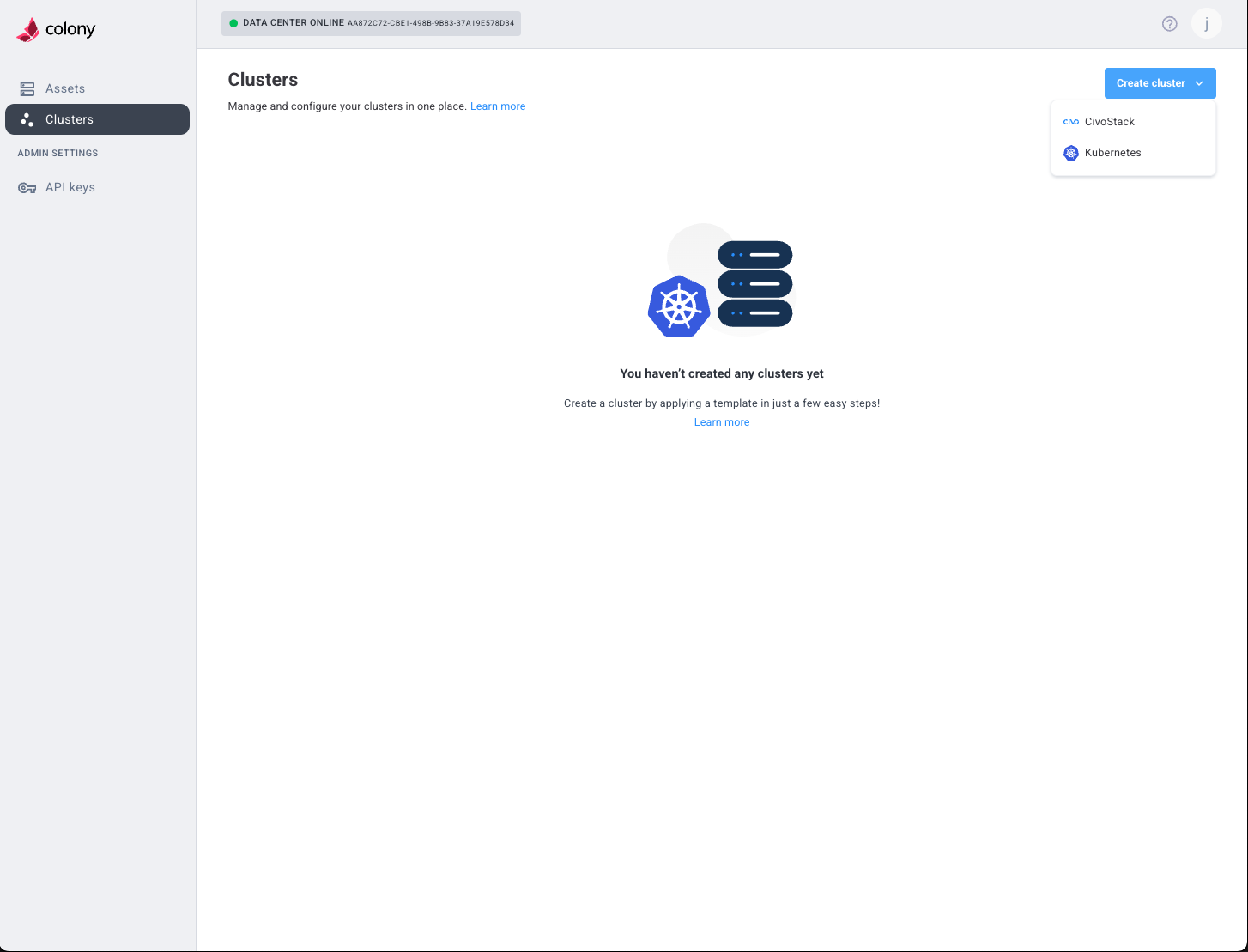
Cluster List
Shows all clusters with:
- Cluster name
- Type (Civo Stack, K3s, Talos Linux)
- Status (provisioning, ready, error)
- Node count
- Age
- Actions (view, scale, delete)
Cluster Details
Click a cluster to view:
- Node list with IPs and roles
- Provisioning status and timeline
- Configuration details
- Workflow logs
- Download kubeconfig and talosconfig
Cluster Actions
- Download Kubeconfig: Access cluster with kubectl
- Download Talosconfig: Manage Talos nodes (Talos clusters)
- Add Nodes: Scale cluster
- Delete Cluster: Remove cluster (doesn't wipe assets)
Workflows View
Shows provisioning jobs:
- Workflow ID
- Type (cluster-provision, os-provision, disk-wipe)
- Status (pending, running, completed, failed)
- Start/end time
- Duration
- Logs
Click a workflow to see detailed execution logs.
API Keys View
Manage authentication:
- Create New API Key: Generate credentials
- View Keys: See existing keys (partially masked)
- Revoke Key: Disable compromised credentials
- Description: Label keys for organization