Overview
What is Colony?
Colony is a bare metal provisioner and data center infrastructure management system. It's a cloud native microservice ecosystem with some components hosted in Civo and other components that run in your data centers.
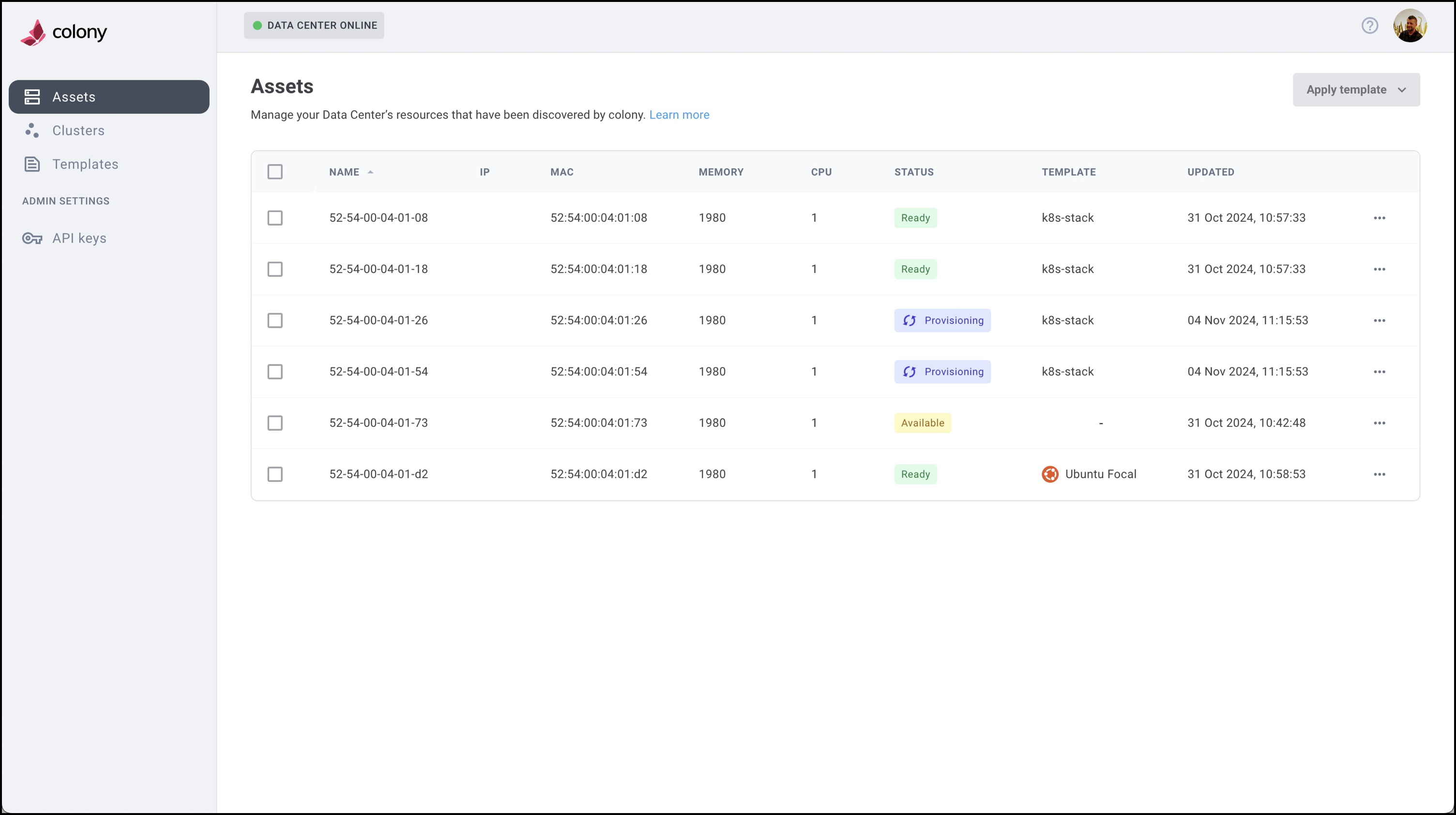
Colony provides you a way to easily manage bare metal OS provisioning and deprovisioning operations in your own data centers.
Quick Start
Ready to deploy Colony? Follow these steps:
- Install the CLI - Download and install the Colony command-line tool
- Create API Key - Get the
colony initcommand - Initialize Management Cluster - Setup colony and its supporting components
- Discover Assets - Register your hardware
- Create Clusters - Deploy Kubernetes on bare metal
Or start with the Getting Started Guide for a complete walkthrough.
Features
Multiple Cluster Types
Colony supports three Kubernetes distributions:
- Civo Stack: Enterprise: Repurpose your existing datacenter as private cloud
- K3s: Lightweight Kubernetes on Ubuntu
- Talos Linux: Container Linux for Kubernetes
Bare Metal Management
- Asset Discovery: Automatic hardware detection via IPMI
- OS Provisioning: Install Ubuntu or Talos via PXE boot
- Cluster Lifecycle: Create, scale, and delete clusters
- Network Configuration: Static IPs, DNS, NTP, VLANs
Cloud-Native Architecture
- Hosted API: Central management at colony.konstruct.io
- Local Agent: Runs in your datacenter for security and performance
- Kubernetes-Native: Built on K3s, Tinkerbell, and cloud-native tools
Getting Support
Do you have questions before you get started? Did you run into an issue that is keeping you from using Colony? We can help!
- Contact Civo - Get in touch with our team for support
- Join our Slack Community - Connect with other users and get answers